
Dates in Madison Arrest Reporting
A booking made after midnight takes extra care. A weekly article may file a name under the date the paper received it. SmartWeb shows the exact booking time instead. Trust the arresting agency's report when incident timing matters, and keep the issue date separate as a publication fact.
Madison County's Multi-Day Arrest Log
The sheriff's office hosts no separate weekly blotter page. Nothing labeled 72-hour or seven-day sits on the MCSO site. The official multi-day route is the SmartWeb date-range search. Pick your booking dates. Choose current, released, or combined custody scope too. It will not define an editorial week or keep an issue archive, though. The Greene Publishing Jail Report fills that recurring-print role. It is a newspaper product built from MCSO information. Sampled issues say they come out weekly, group entries by date, and list names with charges; one covers March 12 through March 18. Remember that Greene is a newspaper, not the jail custodian, so SmartWeb stays the official booking and photo source.
Read the Madison County Blotter
Start with the newspaper. Find a name and a date. Then take both to the county system for the full booking record, so a short news line never stands in for a live roster result or a court outcome.
- Open a Greene Jail Report and note the dates covered by that article.
- Find the relevant date entry and record the exact spelling of the name and charge wording.
- Open SmartWeb and enter a booking range that covers the newspaper date.
- Select "Both Current And Released" so a release does not hide the matching intake.
- Match the booking timestamp and identifiers, then use a listed court case number to check the Clerk's disposition record.
For arrests still inside the rolling day, the Daily Arrest Report covers the narrower official window. The weekly path serves a different job. It fits dates, context, and archive leads.
Madison Arrest-Log Entry Fields
The paper and the jail system expose different fields. Knowing the gap keeps an apparent match from turning into a false conclusion.
| Source field | Availability and limit |
|---|---|
| Date | Greene groups report lines by date; SmartWeb gives the precise booking date and time. |
| Name | Both can show a name, but spelling and identity still need confirmation. |
| Charges | Greene gives reported charge descriptions; SmartWeb provides a structured charge table. |
| Booking identifiers | Booking number, MNI, arrest number, and case number are SmartWeb details not supplied in the sampled article. |
| Bond and holds | SmartWeb can display these intake fields; the sampled weekly article does not provide the full table. |
| Custody status | SmartWeb carries the status field; a newspaper line does not prove current custody. |
| Photo | No gallery appeared in the sampled Jail Report; SmartWeb shows an official image when available. |
Charges can shift later. The Madison County Clerk's court file holds the filings that come after the report is written.
Weekend Arrests Without Guesswork
Weekend arrests are easy to miss in daily checking. A multi-day report gathers them in one place. No official source claims Madison County arrests surge on weekends, though, and neither SmartWeb nor Greene follows a fixed holiday delay. A quiet article does not mean no bookings happened. A later story may simply reflect the paper's own publishing lag rather than delayed jail data. SmartWeb queries the live database tied to jail entry. Greene runs on its own cycle. The two clocks can differ without either record describing the other's timing. When a weekend date matters, search the official booking range first. Then read the paper as a second account of what MCSO supplied that week. Holidays call for wider date ranges on both sides. A booking timestamp, an issue date, and an arrest date can all differ, so log each one separately.
Greene's Madison Jail Report Pattern
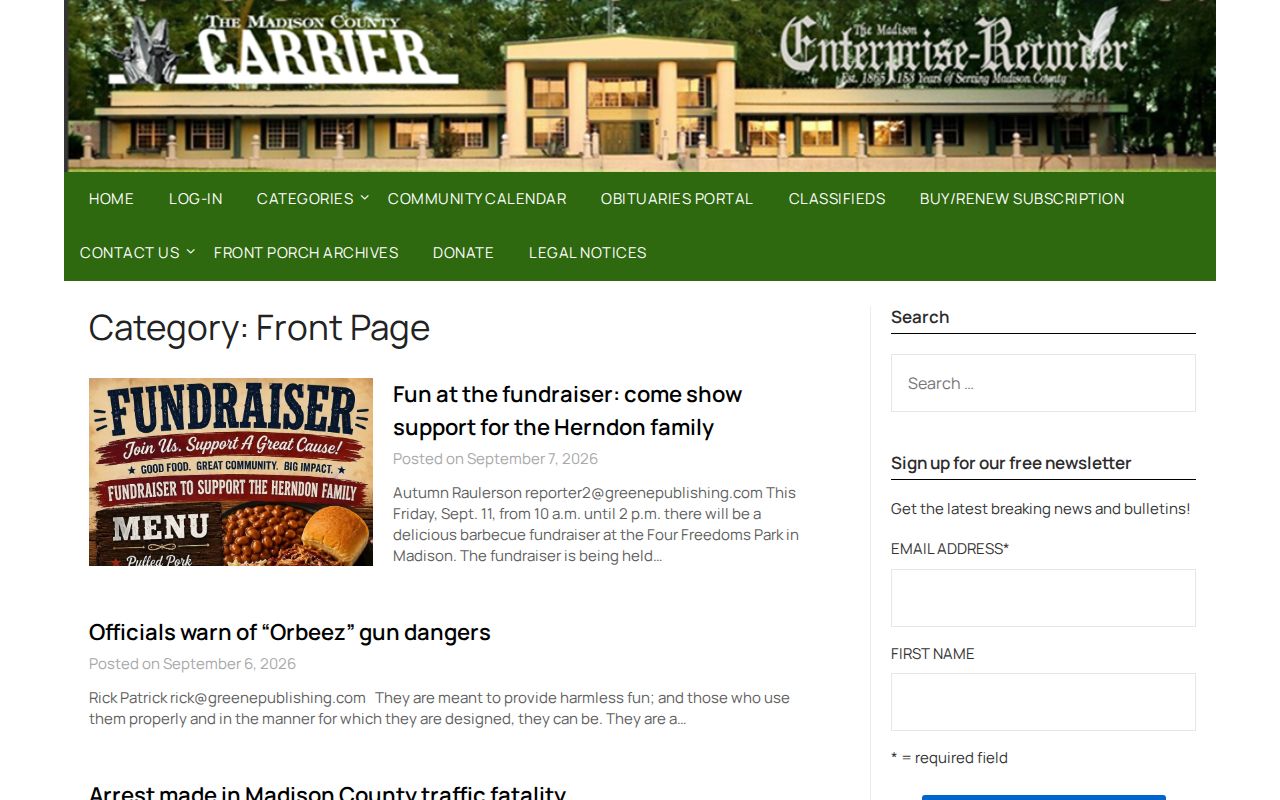
Greene gives this page its local angle. Its writers turn sheriff-supplied lines into a recurring weekly blotter. Each sample organizes people by date. It cannot match SmartWeb's depth on custody status, bond, holds, identifiers, or charge tables, since it was built for readers rather than jail administration. The Greene front-page section adds crime and public-safety stories. Those pieces are selective news coverage, not a list of everyone booked. Some articles center on an investigation or a court event. Jail intake is only part of the picture.
Official and Unofficial Madison Archives
Old Madison arrest records live in scattered places. Greene keeps its articles available issue by issue. The University of Florida Digital Collections preserves the Madison County Carrier and the Madison Enterprise-Recorder, and one Carrier PDF holds a Jail Report sourced from MCSO. These newspaper archives capture published history, not live custody data. Other sites copy or index Madison bookings by date. Florida Arrests has offered date pages, JailRosters has posted dated PDF-style files, and a blotter mirror labels daily links for booking and law-enforcement reports. All are unofficial and can run stale. Let SmartWeb lead, and treat them as backup.
| Channel | Best use | Authority |
|---|---|---|
| SmartWeb date range | Official multi-day booking and release query | MCSO-linked official system |
| Greene Jail Report | Recurring local weekly account | Secondary newspaper |
| UF newspaper collections | Older issue research | Archive of published newspapers |
| Copied date sites | Possible lead only | Unofficial and subject to staleness |
Request Older Madison Arrest Records
What sits online is only part of the picture. Florida's GS2 schedule covers booking records and commitment lists. They must be kept at least one anniversary year after release. Possible fields include booking number, charge, court, arresting officer, bond, release method, and return date. Agencies can hold material longer for litigation, open investigations, or court needs. So older Madison County arrest records may still exist. They simply outlast their time on the web portal.
To request them, contact the MCSO Public Records Custodian at 2364 West US 90, Madison, Florida 32340. You can also call (850) 973-4151 for records routing. Give a full name and date range. Add the booking number if you have it, and state the record type you want. Electronic delivery is worth asking for when it fits. A precise request cuts down on back-and-forth confusion.
Need the case outcome instead? Search the Madison County Online Court Records or contact the Clerk. The court file continues after jail release. For old news coverage, UF Digital Collections works well. Search it by publication title and date. Ordinary recent MCSO booking files stay with the agency. They do not transfer to the State Archives.
Note: Newspaper archive depth and government record retention are different; an article can vanish while the underlying record remains requestable.